

Customers order from the menu (pickup, delivery or at the table); orders appear on the kitchen screen and your dashboard with status tracking and sales reports.
How it works
- 1The customer picks dishes and sends the order from the menu
- 2The order appears instantly on the kitchen screen and your dashboard with an alert
- 3Track the status: preparing, ready, with the driver, delivered
What you get
- Cart, notes and dish options
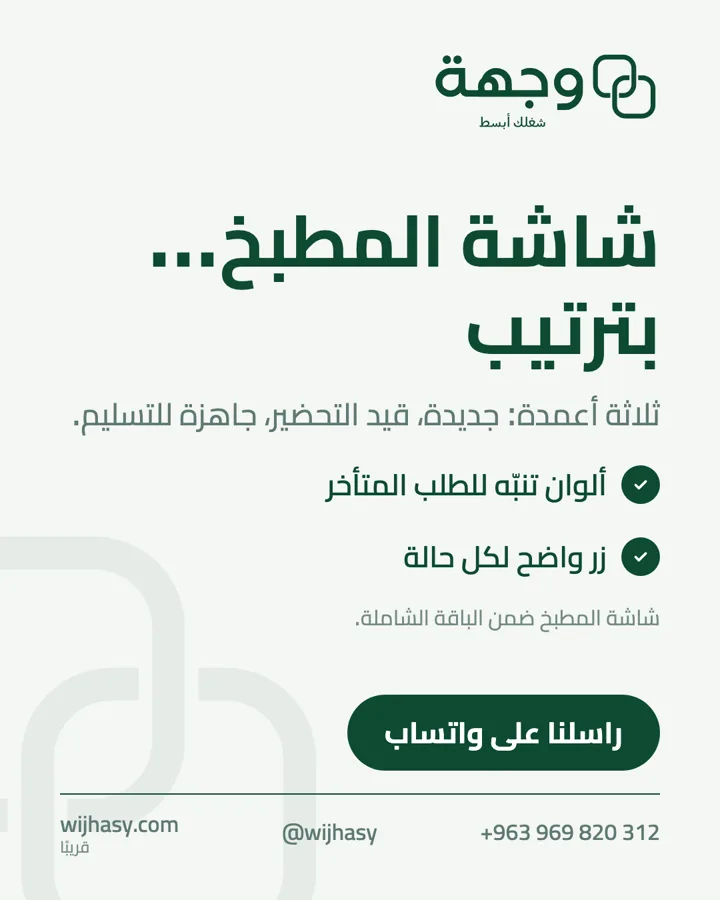
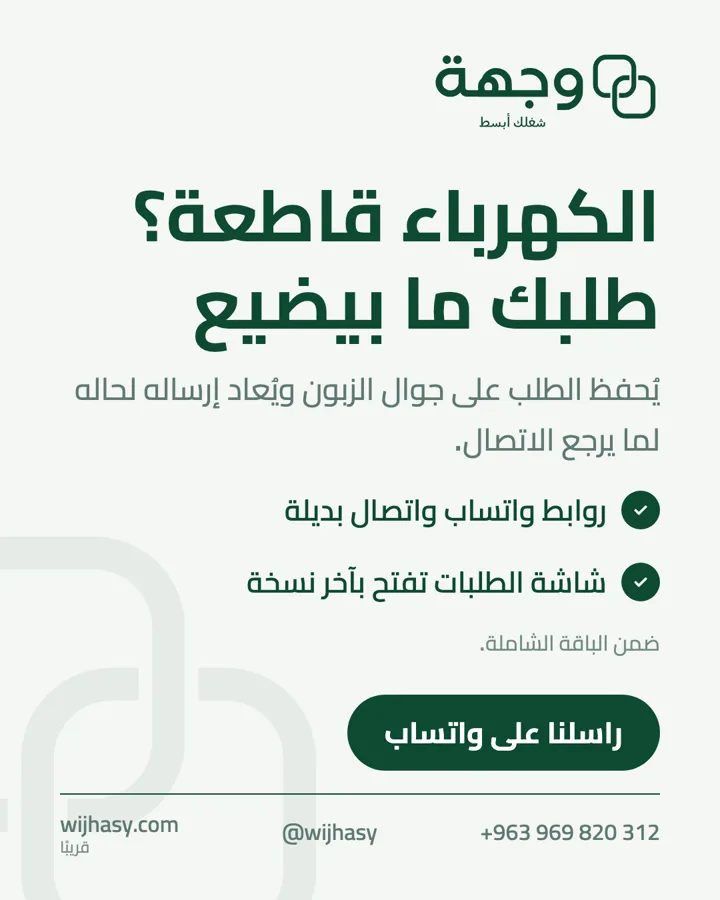
- Kitchen screen and order states (ready, with driver, delivered)
- Manual entry for phone, WhatsApp and delivery-platform orders
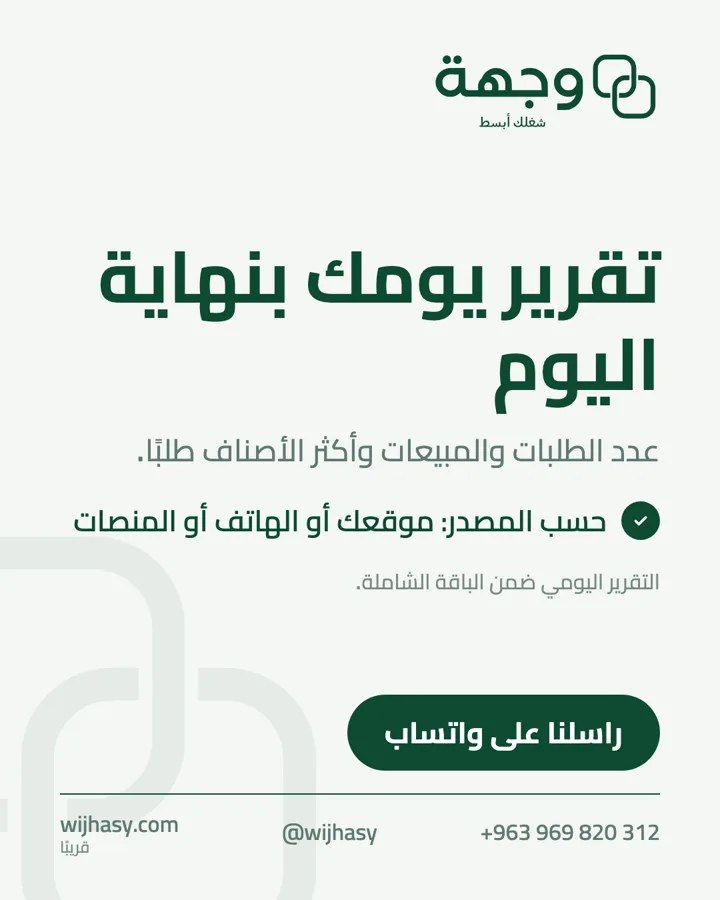
- Sales and top-dishes reports
- Delivery-platform links inside the menu
Our work

Ready to simplify your business?
Tell us about your business and we will set up what fits.